


User experience is a top priority for most products. It affects a brand's reputation, and it surfaces pain points and overlooked areas of improvement. Since business success depends on customer satisfaction, UX research matters for understanding your audience and how they interact with your product. This article reviews the best AI tools for UX research and their features.
Knowing what these platforms offer helps you choose the right ones for your needs and goals. With many research tools available, it can be hard to track the latest options and their benefits. It helps to understand how each one handles data analysis and the product design process.
This comparison saves you time finding the right solution so you can get straight to using AI for your work. Read on for the top 11 AI tools for UX design and what they offer.
Best AI Tools for UX Research
Here are the top 11 AI tools for UX research worth checking out:
- User Evaluation
- Jotform AI Form Builder
- Kraftful
- Looppanel
- QoQo.ai
- Userdoc
- Sprig
- Synthetic Users
- Lookback
- Usabilla
- UserZoom
1. User Evaluation
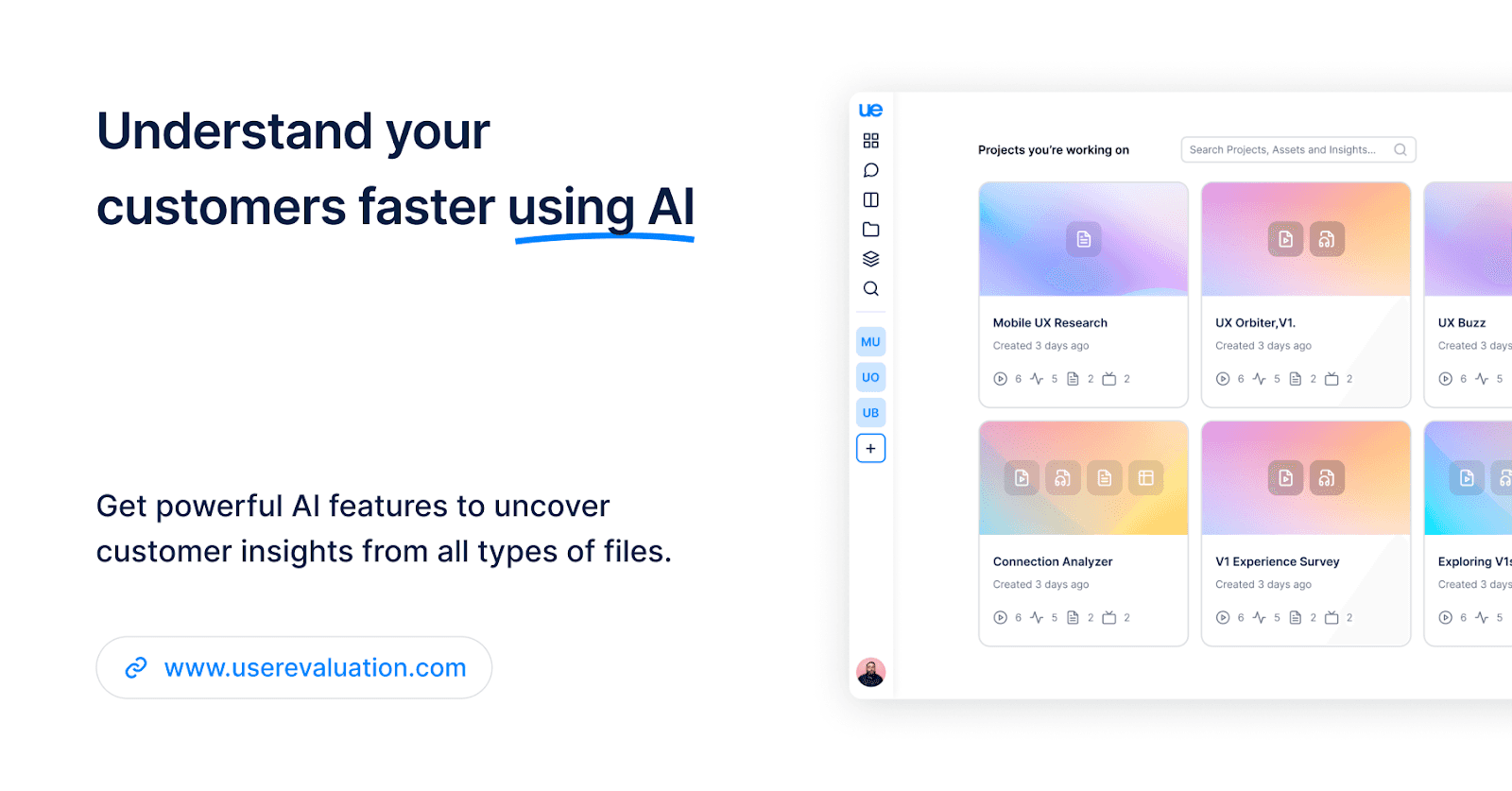
One of the best AI-powered UX research tools available is User Evaluation. This platform handles UX research and customer understanding. A new product that launched in 2023, it has earned a strong reputation with users. With a wide range of features, it is known for its AI-powered insight generation and fast transcription.
Features
User Evaluation offers a range of features for the UX research process. The most useful ones are:
- AI insights
- Robust transcription
- Multimodal AI chat
- Collections
- AI reports and presentations
- Clips
- Enhanced audio/video player
The main advantage of this platform is its AI-generated user insights. Whatever the data volume, it extracts the most important information in seconds. With insight templates, you can track your findings and apply tags and notes with content sources.
The transcription handles video, audio, text, and CSV content in 57 languages. Once you've extracted what you need, you can organize it on the Kanban board.
When you get stuck during research, you can turn to the AI assistant. This AI chat understands your data, helps you brainstorm ideas, and creates text-rich reports with visual graphics based on your instructions.
For a presentation, the AI can create PPTX documents with curated insights and data visualizations in seconds.
Additional information
Website
Pricing
Free trial
Free plan available
2. Jotform AI Form Builder
Jotform's AI Form Builder is a new tool from one of the most feature-packed form builders available. Use AI prompts to create a custom form that you can embed in your website or share with a link. It works well for feedback forms and gathering insight into your users.
Features
Jotform simplifies form-building and saves time. Its standout features include:
- Tons of widgets to add to your forms
- App integrations to connect with other productivity tools
- Different question types and input options
- Conditional logic for a unique experience for all your users
You no longer have to build forms by hand. Once you start chatting with Jotform's AI, you can create forms for data collection, payments, and more.
It improves as it learns from its users. Jotform regularly adds widgets and integrations, so there are use cases for most teams. If you are not satisfied with your form, you can switch to the classic form builder to customize it further.
Additional information
Website
AI Form Builder
Pricing
Freemium
Free trial
Free plan available
3. Kraftful
The third tool to try is Kraftful. Like User Evaluation, this platform uses AI to categorize user reviews automatically. It gives you a clear overview of the user experience and highlights key information. It can also build AI summaries from sources like call transcripts, app store reviews, and support tickets.
Features
Focused on gathering and analyzing user reviews, Kraftful offers several features:
- AI user review summaries
- GPT-3 powered solutions
- Chat
- Easy integration
The main benefit is using AI to analyze and identify user preferences and needs. You can also measure your product's effectiveness over time and compare your results with competitors. That helps you plan future strategies and make data-driven decisions.
Kraftful also has a chat that answers questions based on your data. Note that the answers are limited to the user reviews you've uploaded. The integration and data linking let you import data quickly and use your preferred tools during research.
The main downside is that some users have seen outdated information in the results. For example, bugs they had already fixed kept reappearing in the reviews.
Additional information
Website
kraftful.com
Pricing
Freemium
Free trial
Available
4. Looppanel
The fourth tool on this list is Looppanel. It is known for fast, efficient transcripts from user interviews. It is mostly used to review important interviews quickly and pull key information from them.
Features
Like the tools above, Looppanel offers several features for UX research:
- Transcription
- AI notes for user interviews
- Shareable video clips
- Easy sharing option
Unlike User Evaluation, Looppanel transcribes content in only 8 languages: English, Dutch, French, German, Spanish, Italian, Portuguese, and Hindi. The transcription is slower and takes around 5 minutes, but it is accurate and reliable.
Looppanel's most useful feature is its AI notes. You can focus on the interview while the AI captures the most important moments. You can also make time-stamped notes during live interviews so you don't miss anything.
You can auto-record calls from Zoom, Google Meets, and Teams. You can embed your videos in Confluence, Jira, and Notion, and share your report summaries via a link.
Additional information
Website
looppanel.com
Pricing
Monthly subscription and custom plans
Free trial
Available
5. QoQo.ai
QoQo.ai is an AI tool built for UX research. It suits the early stages of product design because it creates an organized picture of the user experience. UX researchers mainly use it to generate journey maps and user personas quickly.
Features
QoQo.ai aims to give you a clear picture of your target audience. It offers several features to simplify and speed up the process:
- User personas
- Journey maps
- Interview scripts
- UX writing
The key feature is detailed user personas built from your input. These cards can include user needs, goals, tasks, motivations, and frustrations. Combined with the generated journey maps, they show key product design elements like risks and challenges.
QoQo.ai also speeds up discovery and gathers information from public knowledge. It helps users generate ideas and produce meaningful designs without much friction.
The downside is that it requires you to conduct your own user research for the best results, so it doesn't automate as much as the tools above.
Additional information
Website
qoqo.ai
Pricing
$7 per month
Free trial
Available
6. Userdoc
The next tool on this list is Userdoc. It is an AI platform focused on generating user personas and tracking their journeys. It is similar to QoQo.ai but adds the ability to generate user stories and acceptance criteria.
Features
Userdoc works best during the discovery and scoping phases of UX research. It focuses on text-based requirements but still offers useful features:
- User personas
- User stories
- Customer journey
Like QoQo.ai, Userdoc is known for its detailed user personas. They can hold different types of information to help you understand your target audience. For backgrounds, motivations, or frustrations, you can enter them yourself or let the AI do it.
Once you've created the personas, you can write their stories and add acceptance criteria. You can sync the information with other systems or keep your research entirely in Userdoc.
The user journeys combine personas and stories to explain your workflow in detail. To show the pathways, the platform includes touchpoints for who was involved and when.
Additional information
Website
userdoc.fyi
Pricing
Monthly subscription plans
Free trial
14-day free trial available
7. Sprig
Sprig is another well-known AI research tool. It is mainly used for product feedback, synthesizing input from prearranged user tests. Along with generating user insights, it uses AI to help with the analysis.
Features
Sprig offers a range of features that cover most of the user research process:
- Surveys
- Prototype tests
- AI analysis
- Replays
First, you can generate targeted surveys inside your product for real-time insights. You can spot areas of improvement, address pain points, and optimize your product later. Letting users give input while they're still using the product can raise the response rate by 30%.
Sprig also supports browser-based testing for early insights on upcoming updates. These prototype tests let you include multiple designs in one session to decide which works best.
Once you've gathered the data, you can synthesize the user experience automatically through AI. This helps you spot trends, identify patterns, and adjust your strategies.
Additional information
Website
sprig.com
Pricing
Freemium
Free trial
14-day free trial
8. Synthetic Users
Synthetic Users is a platform for UX researchers to test product ideas through AI personas. It is a new tool, but it is known for running research with AI-generated participants that mirror real user behavior and preferences.
Features
Like QoQo.ai and Userdoc, this platform uses AI-generated personas instead of real participants. Its testing sessions include several features:
- Product risk mitigation
- Durability testing
- Participant segmentation
Without talking to real people, you can generate insights and feedback from your predefined personas. It focuses on qualitative insights, which helps teams with limited research budgets get more from their target audience.
It suits creating user scenarios, evaluating product usability, and testing interfaces. The generated insights show how the audience interacts with new solutions. It also gives you more control over the testing process so you get the results you want.
Additional information
Website
syntheticusers.com
Pricing
Freemium
Free trial
Free plan available
9. Lookback
Next on the list is Lookback. It helps UX researchers run live interviews and usability testing. It is often described as multi-purpose UX software that uses mixed methods to extract user insights.
Features
Since Lookback primarily focuses on user testing and interviews, its main features are the following:
- Various testing options
- Live interviews
- Transcription
- Advanced analytics
The main benefit is the range of testing options. Remote usability testing covers mobile apps, prototypes, betas, websites, and live apps.
During live interviews, you can transcribe the content for easier review. All video interviews record directly to the cloud, so you can access them anytime.
Lookback also offers a collaborative dashboard where you and your team can share findings. You get timestamped notes and a team chat for easier collaboration.
Additional information
Website
lookback.com
Pricing
Monthly subscription plans
Free trial
60-day free trial
10. Usabilla
Usabilla is a cloud-based usability testing tool for UX researchers. It is known for defining target audiences and helping teams optimize the user journey. With insights from this research, you can adapt your strategies for better results.
Features
Like Lookback, this platform offers several user testing features for your research:
- User testing
- Video transcriptions
- Feedback forms
- Surveys
- Sentiment analysis
Usabilla's main feature is its AI-based user testing software. It supports both task-based and usability testing to get solid results.
It also provides feedback forms and survey templates for more thorough research. Alongside these methods, you can track a wide range of behavioral analytics to understand your audience.
Usabilla has a clean interface for running and recording live interviews. If your research focuses on video, you can transcribe the interviews through the platform's transcription services.
Additional information
Website
usabilla.com
Pricing
Annual pricing plans
Free trial
Available
11. UserZoom
The last tool in this article is UserZoom. It built its reputation by combining AI with heatmaps and session replays to gather user feedback. By tracking and visualizing user behavior on your website, you can find the best UX solutions for your case.
Features
UserZoom offers several UX research features, including:
- Session replay
- Heatmaps
- Forms
- Conversion funnels
- User feedback
UserZoom's main feature is session replay. You can track users' actions on your website and observe their real customer journey. The platform also offers automatic Friction Scores that highlight the most important actions taken on the page.
For a visual view of the customer journey, UserZoom offers heatmaps to track user behavior. You can collect engagement patterns like clicks, movements, scrolls, and live views.
Once you've gathered this information, you can build conversion funnels for your business. Since you'll know the pain points, you can optimize for better results.
Finally, you can ask for direct user feedback through custom-triggered surveys and analyze your forms with the form analysis tool.
Additional information
Website
userzoom.com
Pricing
Freemium
Free trial
Free plan available
How to Choose the Right UX Research Tool?
UX research matters for any business. It requires gathering and analyzing large volumes of data. It is often a long process because researchers have to review the audience's impressions and extract key information from them.
Many businesses turn to AI research tools because they sort data automatically and cut the time the task takes. UX researchers can also use the features these tools offer to simplify the process and get better results.
Before you pay for an AI research tool, look out for the following:
- Free trials or plans: it's best to try using a free plan or demo version to ensure the tool's quality is up to your expectations.
- Privacy policies: since you'll be dealing with sensitive data, always check if the platforms offer security measures for your information.
- Available features: look out for the features that benefit your unique circumstances the most.
- Functionality: ensure the platform is up and running precisely before you invest in it. While small bugs can be fixed quickly, major issues may delay your research process.
Conclusion
After reviewing the top 11 AI tools for UX research, it's up to you to decide which one fits your situation best. Each platform offers a different experience because of the features it provides. Before you decide, research which options fit your needs.